
🔥 Would you like to save this?
It’s been a long time coming. I saved my pennies and finally invested in Chief Architect’s “Home Designer Software” which is arguably the Rolls Royce of home design software for non-professionals.
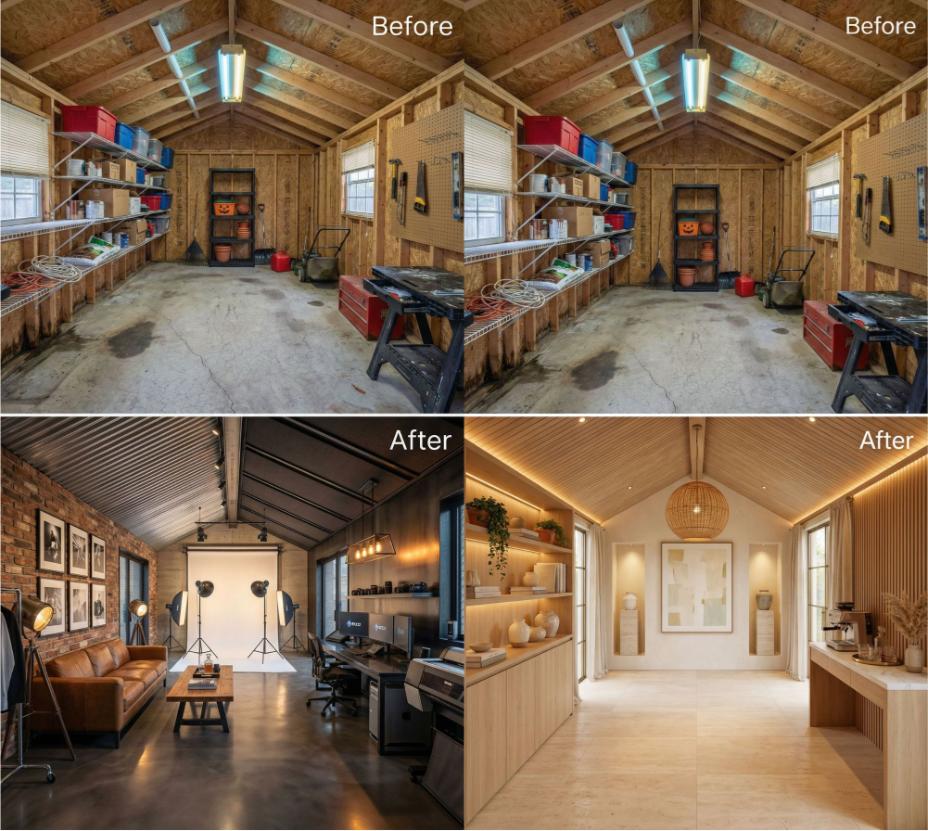
In order to come up with the very specific design ideas, we create most designs with the assistance of state-of-the-art AI interior design software.
Okay, we have to clarify some things about Chief Architect here because it can be confusing.
Chief Architect has TWO lines of products.
Their first line is design software for pros such as architects and interior designers. This will cost you big bucks but it’s at a level that will pretty much generate all the plans and blueprints needed for a full build.
Their second line, which goes under the “Home Designer Software” banner is for the DIY folks. This is what I got. This is what I’m reviewing.
I know it’s a bit confusing at first. In fact, the two lines are different websites.
The pro-level software is at Chiefarchitect.com.
The DIY level software (Home Designer Software) is at Homedesignersoftware.com.
Clear? Good.
As stated, this review pertains to the DIY level software found at Homedesignersoftware.com.
Just to add a fly into the ointment, each level offers several software versions. Let’s break it down.
Pro Level Software (Chiefarchitect.com):
- Chief Architect Premier
- Chief Architect Interiors
DIY Level Software (Homedesignersoftware.com):
- Professional (this is what I have)
- Architectural
- Suite
Going forward, all comments, opinions and graphics pertain to Home Designer Software (DIY version).
What is Home Designer Software by Chief Architect?
It’s home design software you download (after you pay).
In fact, it’s one of, if not the best on the market (it’s my favorite).
You can design entire houses, individual rooms (including killer kitchens and bathrooms), decks, pools, landscaping, home exteriors, basements – anything pertaining to a structure. You can even design a restaurant, office or retail space.
That said, the Home Designer version is for the DIY. If you’re a professional such as an architect or interior designer, you’ll want to check out the Chief Architect Premier and Interiors products.
The Short Version (straight-to-the-point)
This software rocks. I love it. It’s fun and the quality and extensive design capabilities make this an ideal option for anyone needing to create designs for a reno or to simply tinker with some home designs, interior designs, landscaping ideas for an existing home or new home.
In a nutshell, this software is very, very powerful for the money. Yes, unlike many free online design software options, you must pay for a license ($99 to $495, depending on the version you buy). Remember, you get what you pay for. While there are some great free interior design software options out there, they will not produce the quality of designs that you get with Home Designer Software by Chief Architect.
Your license includes access to many plans, tutorials and customer service.
=> Check out the Chief Architect design software here.
Yes, I recommend it if you’re looking for a premium program (and I’ve used many home design software platforms over the years).
Cloud or Download?
While the software world has moved online with cloud-based software, this is NOT that. When you buy it, you will go through the download process and install it on your computer.
This is my only complaint about it. I’m a big fan of cloud-based software, but this is the small cost for superior design software.
Mac or PC or Both?
This software works on both Mac and PC computers. I have the Mac version, but don’t despair if you have a PC… you can get a version for that.
Getting Started with Chief Architect’s Home Designer Software
When you open up the software, you’re presented with the option to start from scratch with a New Plan or you can start from a template (click on “New Layout”). If you have existing designs, you can open them from the folders presented (Open Plan and Open Layout folders). Here’s a screenshot:

Design Template Options
I’m a template guy so I like to check out the default designs to see if it’ll speed up my work.
Here are screenshots of the various template options you have to kickstart your designs.

As you can see, there’s a good selection of templates for home styles, interiors, landscapes and terrain, landscaping, decks and pools.
What happens when you choose a template?
Because I love pools, let’s open a pool. In this case, I chose the “Pavilion”. Here’s what you get.

With a couple clicks of the mouth, you can actually see what this looks like in 3D.
In the menu you drop down the “3D” menu and you can choose from a variety of views. Here’s one example of a 3D view:

Yikes, Nathan, that’s not very many template options – are there others?
Good question.
Yes, you can head to the Sample Plans & Renderings page where you can access loads of plans. The plans import seamlessly. Check it out.
Below I downloaded the “Contemporary Tropics” 2018 plan.
Here’s the 2D version:

Here’s the 3D perspective:

Or, go with the dollhouse view:

The above is just one plan example.
You can download many other plans as well as exteriors, kitchens, bathrooms, full interiors, decks and landscaping templates to work from.
More 3D models for your designs
With your software subscription, you get access to additional catalogs that provide all kinds of 3D models for various aspects of your home designs such as accessories, furniture, cabinets, doors, windows, hardware, lighting, surfaces, plants etc. Please note that some catalog collections cost money while others are free.
Check it out:

Photo-Like Quality Renderings
It’s one thing to be able to put together a 2D blueprint together, it’s another thing to see it in all its glory in majestic 3D.
While there is absolutely no doubt that this software does so much more than most on the market (pro-level notwithstanding), it’s also safe to say the quality, crispness, detail and clarity of the 3D renderings produced by Home Designer Software is second to none.
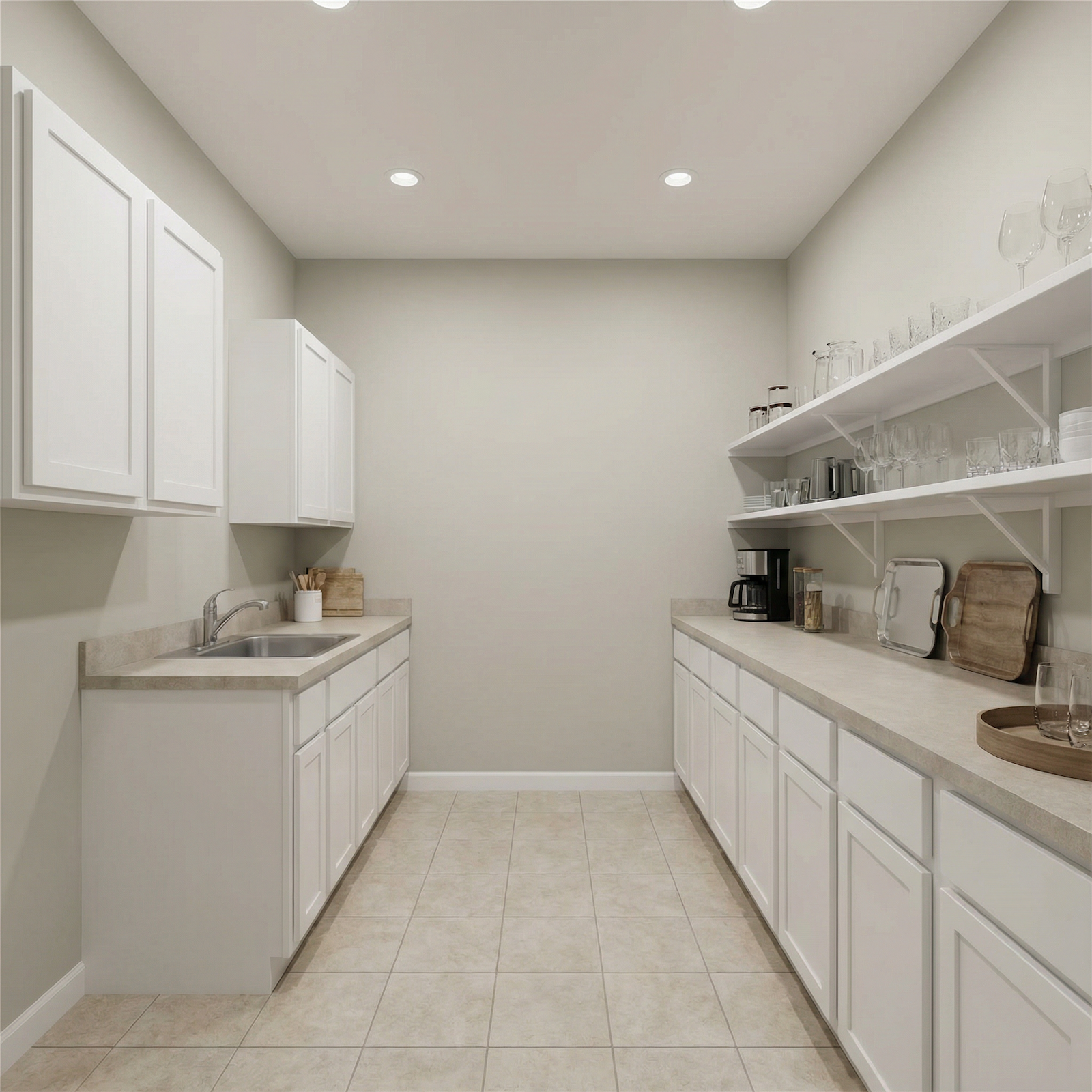
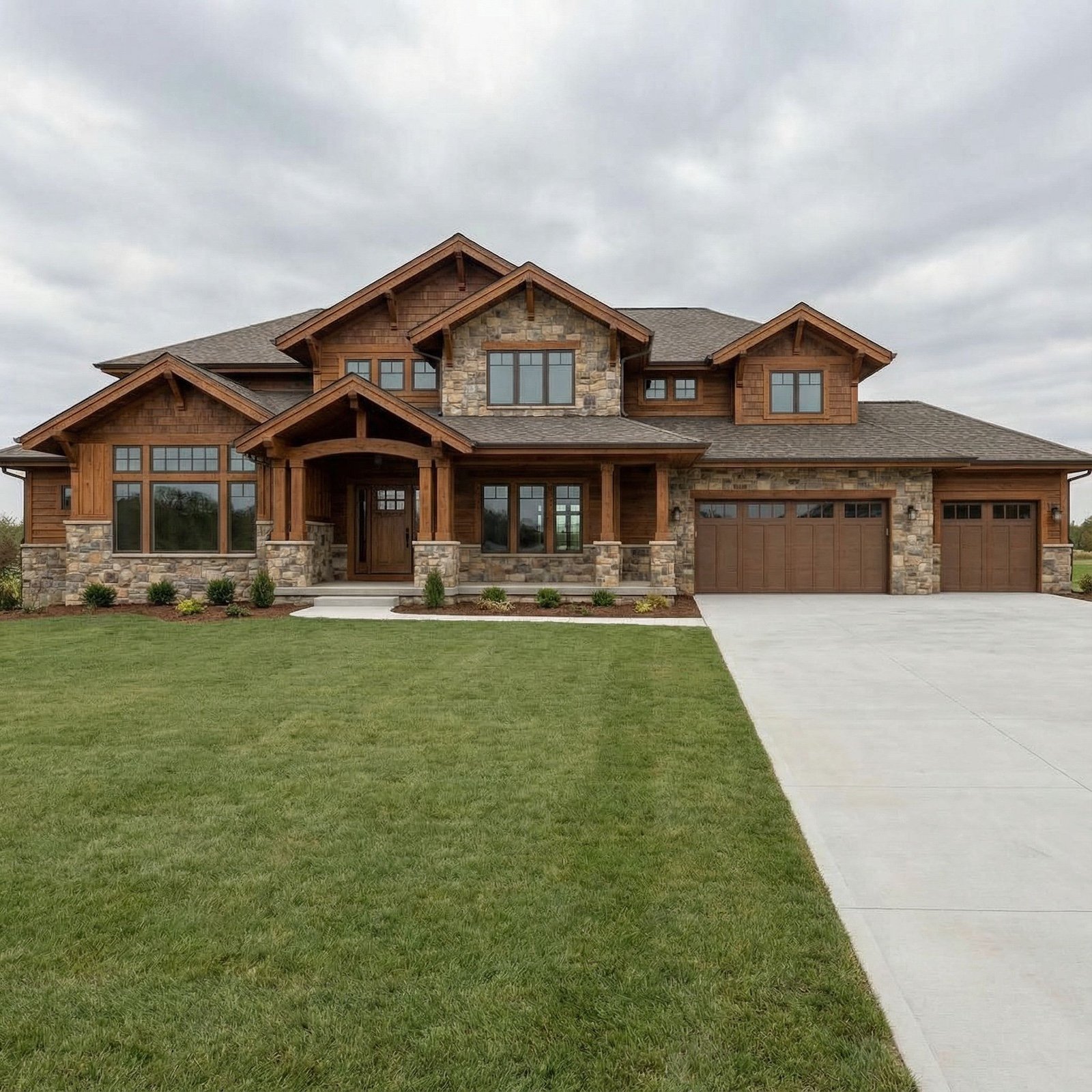
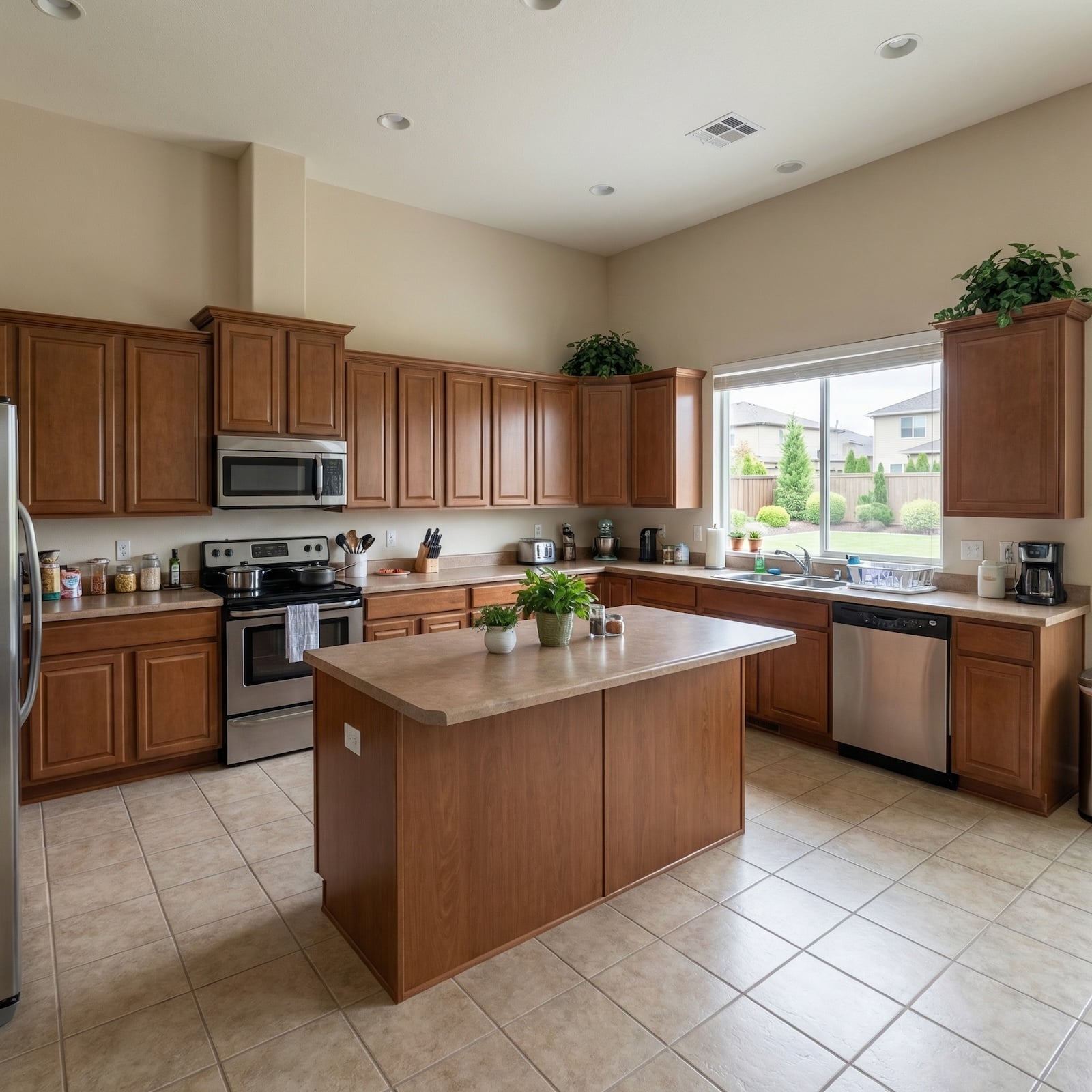
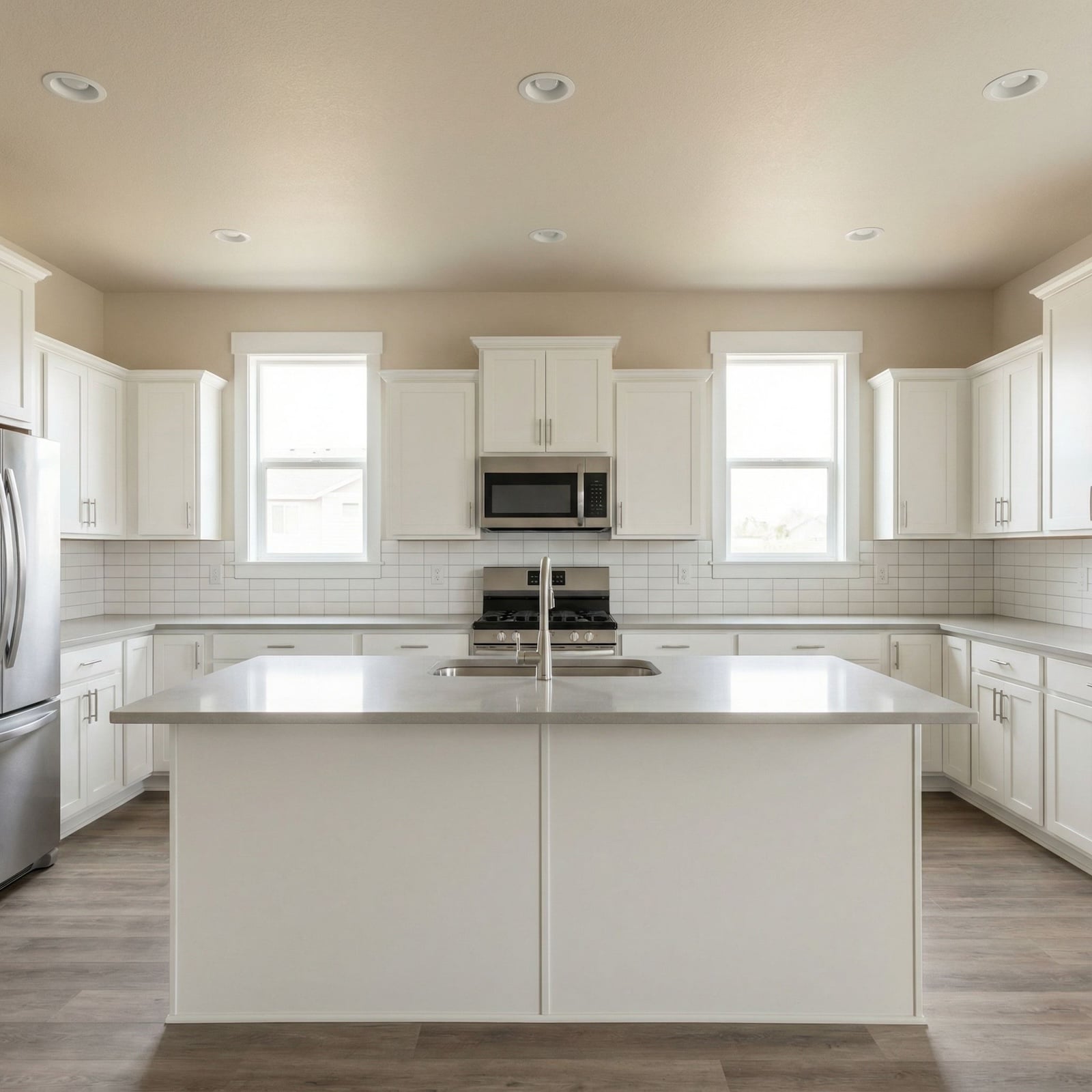
Here are a few more examples of 3D renderings. Notice the detail and clarity. They’re almost photo-like.


🔥 Would you like to save this?


Is there any support?
Like I said above, you get what you pay for. Since you have to pay for this software, the plus side is there’s very good support in many formats.
There’s a forum, extensive user manual, reference manual, webinars, tutorial articles, tutorial videos and you can contact tech support.
When you’re trying to figure out complex software like this, solid support is a must. I think at one point or another we’ve all banged our heads against the wall trying to figure one software program or another. I know I have.
What’s it gonna cost you?
The bad news is this software isn’t free.
The good news is you can choose from one of three versions ranging in price from $99 to $495. I opted for the $495 version just so I could get a sense of what it can do at the highest level.
More good news… you can actually download a free trial. Free trials are always great because, well they’re free and you get an idea whether it’s the right software for you.
Verdict
If you need detailed designs for any aspect of your home (inside or out), this is worth the investment. Keep in mind there is a learning curve because it can do so much.
Related: Planner 5D Software Review | Space Designer 3D Software | How to Convert 2D Floor Plan Image to 3D Floor Plan | RoomSketcher Software Review | Pointman Software Review | Home Design Software Options| More home design software articles